

How it works
Picture the job. Send paperwork that holds up.
The path is the same whether you are on a remodel, a service call, or a longer commercial job.
01
Notes & photos
Handwritten takeoff, site photos
02
Quote
Branded PDF, your colors
03
Approval
Customer e-signature
04
Invoice
Same line items, due date
05
Payment
Customer payment link
06
Receipt
Sent automatically
01
Photograph the notes and the job
Take pictures of handwritten contractor notes, sketches, and jobsite conditions. You can also start a document by typing — AI is an accelerator, not a requirement.
02
Review the extraction
If you use AI, check line items, quantities, and scope. Correct anything that does not match the job. Nothing is sent until you say so.
03
Apply your branding
Your company name, logo, colors, and conditions go on the PDF. Customers should recognize the document as yours.
04
Send for approval
Share a private quote link. The customer reviews and signs. You keep a record of what was issued.
05
Invoice from the accepted quote
Convert the accepted quote into an invoice instead of rebuilding the same numbers in another tool.
06
Collect payment and send a receipt
Include a customer payment link on the invoice. When payment is recorded, a receipt can go out automatically.
Questions
Do I have to use AI?
No. You can create quotes, estimates, and invoices by hand. AI extraction is optional and always reviewed by you before a customer sees the document.
Will the PDF look like my company?
Yes. You set company name, logo, colors, and conditions in your workspace. Those details print on quotes, estimates, and invoices.
Can customers sign and pay without an account?
Customers open a private link for the quote or invoice. They do not need a Contactor Docs login to review, approve, or pay.
Are customer documents listed on Google?
No. Quote, invoice, and receipt token URLs are excluded from indexing. The public marketing site is what search engines are invited to crawl.
Example documents
How the PDF comes out
These are example quotes in the Straight Edge document style — sample output from the product, not customer reviews.
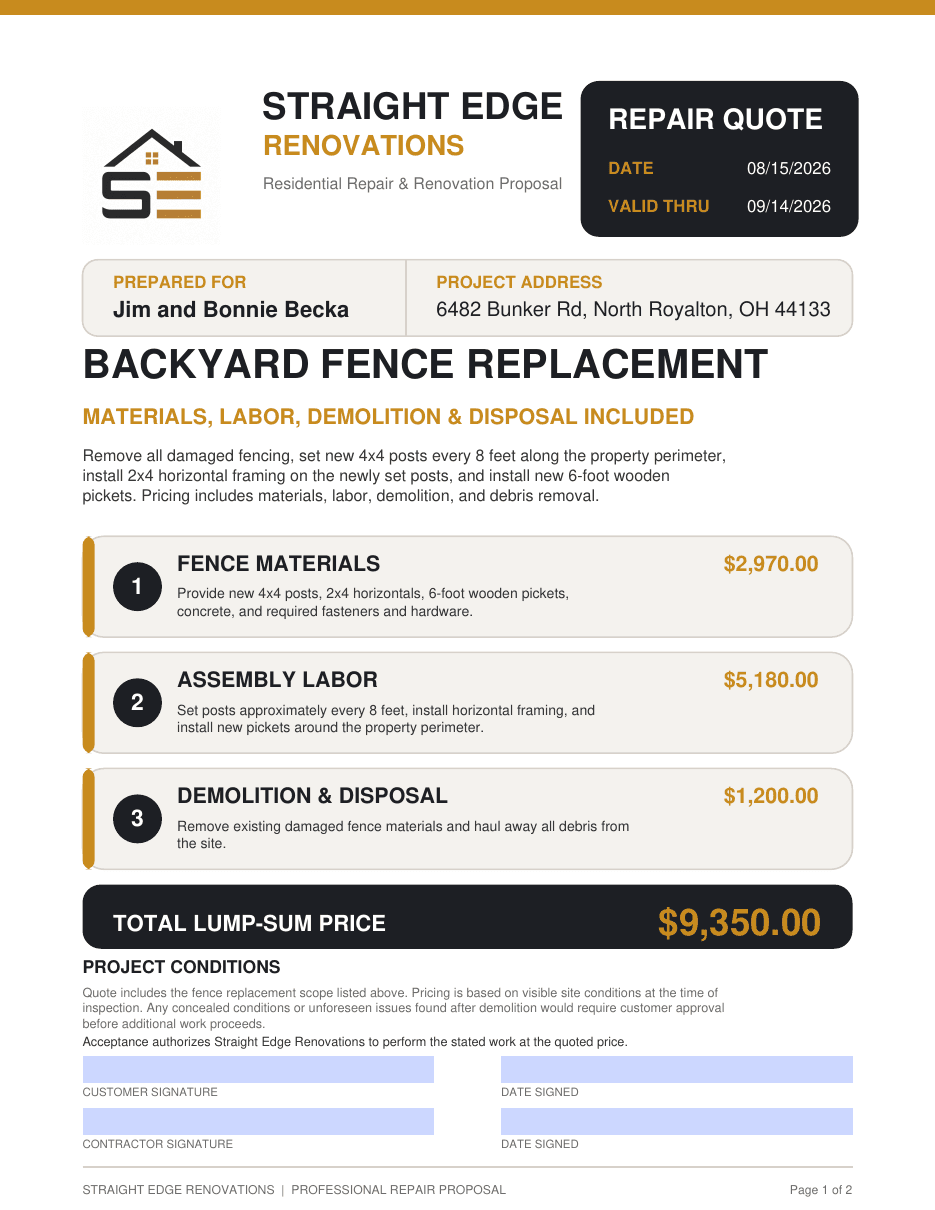
Example quote · Straight Edge sample output
Backyard fence replacement
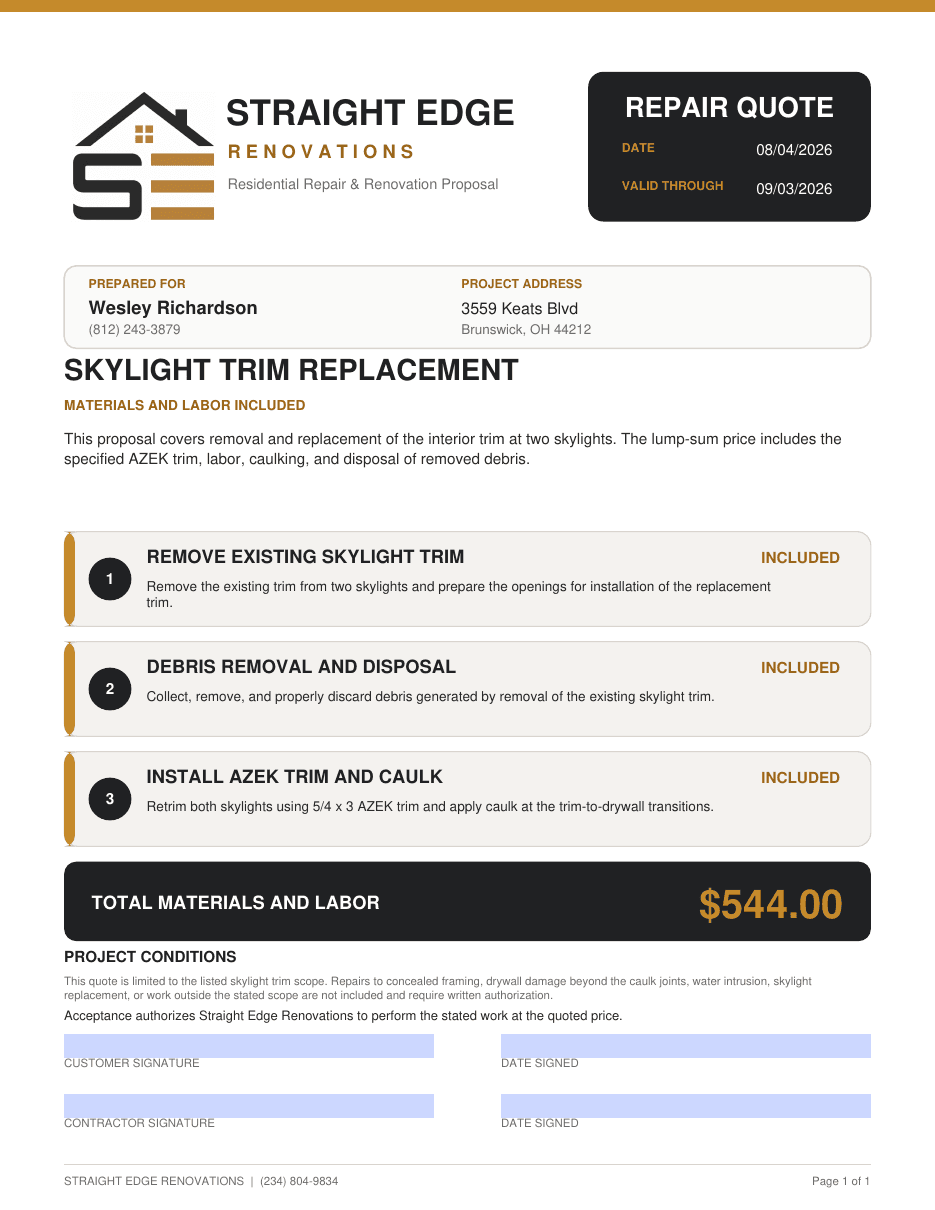
Example quote · Straight Edge sample output
Skylight trim replacement
Start with a photo of the job.
Create your company workspace, apply your branding, and send the first quote from what you already wrote down on site.